Can I play Block Craft 3D online for free?
Yes, you can play Block Craft 3D directly in your web browser for free on PacoGames.

Launch instantly in your browser and start playing in seconds.

Loading... Please, wait
 = move
 = mine
SPACE = jump
19 = select item
T = throw item
C = add tree
ESC = pause
CTRL + S = save
CTRL + L = load
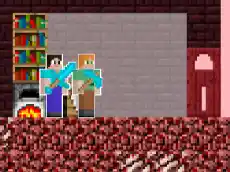
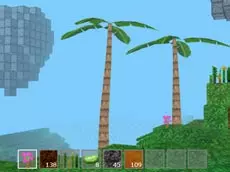
Dive into a vibrant world with a classic sandbox atmosphere. In Block Craft 3D, you have the freedom to dig, mine, and harvest everything in your environment. Clear land for construction and build your own custom city from the ground up. Whether you want to create massive bridges, detailed roads, or lush forests, this 3D block game lets your imagination run wild. Find various materials like wood, stone, and even lava to bring your fantasy world to life. It is an accessible, fun version of the blockcraft 3D experience designed for players who love to create and explore.
Yes, you can play Block Craft 3D directly in your web browser for free on PacoGames.
No, Block Craft 3D is a browser-based game that requires no downloads or installations.
Block Craft 3D can be played on most networks via a standard web browser. If you are facing access restrictions, PacoGames provides a direct way to play.
You can save your current world by pressing Ctrl + S on your keyboard and load it later using Ctrl + L.