How do I change gears in Port Car Parking?
You can switch to reverse gear by pressing the R key or by clicking the gearbox icon on the screen using your mouse.

Launch instantly in your browser and start playing in seconds.

Loading... Please, wait
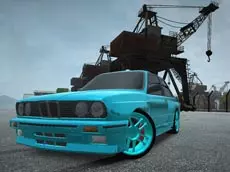
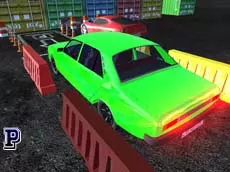
Master the art of precision driving in Port Car Parking, a challenging simulator where you navigate vehicles through a busy harbor to reach designated spots.
 = drive
R = reverse gear
TAB = game menu
C = change view
H = directions on/off
 = interaction
The local port manager is seeking a skilled driver to handle vehicle logistics across the busy harbor. After your success in the street racing scene, you are the perfect candidate for this job. While the pace is different, the precision required is even higher. Your task is simple but demanding: collect a car and park it perfectly in the designated spot. If you need to back up, use the R key or click the gearbox icon with your mouse. Feeling lost in the port? Press H to toggle navigation guides. Earn money for every successful delivery to unlock new cars or upgrade your style with custom rim designs.
You can switch to reverse gear by pressing the R key or by clicking the gearbox icon on the screen using your mouse.
If you are having trouble locating your target, press the H key to toggle visual directions that will guide you to the correct parking space.
Yes. By earning money from successful parking tasks, you can purchase new cars and browse the shop for various rim designs to customize your look.
Port Car Parking is a browser-based game that can be played on PacoGames. Access depends on your local network settings and filters.