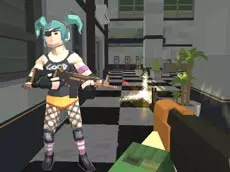
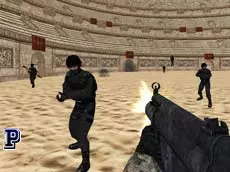
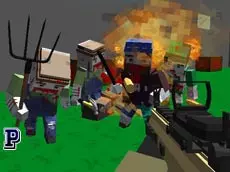
What is BattleCube.online?
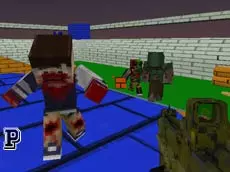
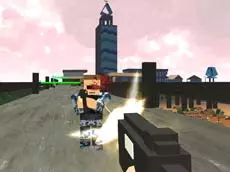
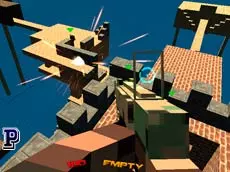
BattleCube.online is a multiplayer third-person shooter where players control cubes in arena-based combat.

Launch instantly in your browser and start playing in seconds.

Loading... Please, wait
BattleCube.online is an intense multiplayer third-person shooter where you control a battle-hardened cube seeking vengeance in arena-style combat.
 = move
 = shoot
SPACE = jump
Q = select weapon
ESC = menu
ENTER = chator
or
 = move
CTRL = shoot
SPACE = jump
Q = select weapon
ESC = menu
ENTER = chat
BattleCube.online is a third-person shooter inspired by the fast-paced nature of .io games. If you crave nonstop action and competitive multiplayer combat, this is the arena for you. Step into the role of a battle cube on a mission of vengeance. With your family gone, you must face waves of enemies in a quest for justice. It is a simple, no-frills shooter where skill is the only thing that matters. Create your own room, pick a map, set the round duration, or jump straight into an active match to start the fight!
The game offers several maps and customizable round settings, making it easy to find a match that fits your playstyle. Whether you prefer quick skirmishes or long-form tactical battles, BattleCube.online provides a straightforward and engaging shooter experience directly in your browser.
BattleCube.online is a multiplayer third-person shooter where players control cubes in arena-based combat.
Yes, you can play BattleCube.online for free in your web browser on PacoGames.
BattleCube.online is accessible through standard web browsers, which generally allows access on most networks.
You can create a room by selecting the 'Create Room' option in the main menu, where you can choose maps and round duration.
You can move using WASD or arrow keys, aim and shoot with your mouse or Ctrl, and jump with the Spacebar.