What is the main goal of Baby Hazel Eye Care?
The goal is to help Baby Hazel treat an eye irritation by following first aid steps and visiting a professional eye doctor for a checkup.

Launch instantly in your browser and start playing in seconds.

Loading... Please, wait
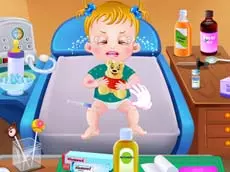
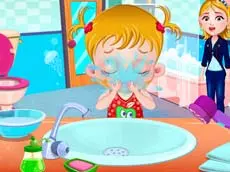
Baby Hazel Eye Care is an educational point-and-click game where players help young Hazel recover from an eye irritation caused by a dusty day at the park.

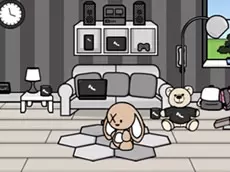
Autumn is the perfect season for kite flying, but the strong winds can sometimes cause trouble. In Baby Hazel Eye Care, Hazel was enjoying a day in the garden with her friend Bunny when a sudden gust of wind blew sand into her eyes. Her mom quickly provided first aid by rinsing them with water, but the irritation persisted, leading to a necessary trip to the eye doctor.
Join Hazel at the clinic to undergo various eye tests and treatments. Follow the doctor's instructions to ensure Hazel's vision is back to normal. This adventure teaches basic hygiene and medical care through fun, interactive gameplay.
The goal is to help Baby Hazel treat an eye irritation by following first aid steps and visiting a professional eye doctor for a checkup.
Yes, it is a kid-friendly educational game that teaches basic hygiene and the importance of medical care in a fun environment.
No, Baby Hazel Eye Care is a browser-based game that can be played instantly without any downloads.
Yes, the game is designed to work in modern web browsers on both desktop and mobile devices.
Ensure your browser is updated and that you have a stable internet connection. Refreshing the page usually resolves most loading issues.