Launch instantly in your browser and start playing in seconds.

Loading... Please, wait
3D Car Simulator
Play 3D Car Simulator online for free and jump into an open 3D driving game with city roads, off-road terrain, three playable cars, and no download required.

Controls
 = ride
ESC = back to menu
123 = change car
SHIFT = turbo
C = change view
SPACE = handbrake
R = reset game
G = reset car
E = police lights
H = hide instructions
PGUP/PGDN = change gear
About 3D Car Simulator
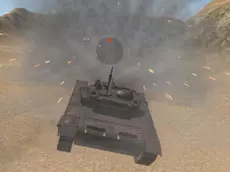
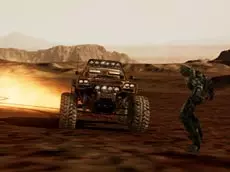
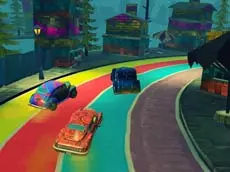
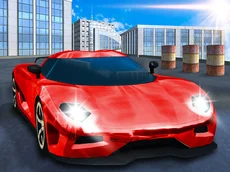
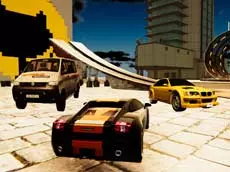
3D Car Simulator is a free online car game where you can drive different vehicles across an open 3D world directly in your browser. Instead of racing on a fixed track, you get space to test handling, speed, drifting, braking, and off-road driving at your own pace.
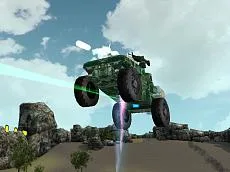
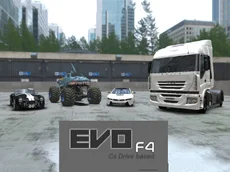
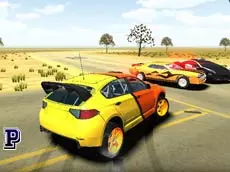
The game gives you three cars to try: a classic city car, a police car with working lights, and a rally car built for rough terrain. Each vehicle feels different, so the same road can become a calm cruise, a police-style pursuit, or a fast dirt-road challenge depending on what you choose.
If you are looking for car games online with simple access and full-screen driving, 3D Car Simulator is easy to start. There is no installation, no account requirement, and no complicated setup. Open the game, choose a car, switch the camera, and begin exploring city roads, desert terrain, hills, and open spaces.
How to Play 3D Car Simulator
Start the game in your browser, wait for it to load, and choose the vehicle you want to drive. The controls are keyboard-based, which makes this game best for desktop and laptop play.
- Drive: Use the movement keys to accelerate, brake, and steer.
- Change car: Press 1, 2, or 3 to switch between vehicles.
- Turbo: Hold Shift when you need extra speed.
- Change camera: Press C to switch the driving view.
- Handbrake: Press Space for sharper turns and drifting.
- Reset: Use R to reset the game or G to reset the car if you get stuck.
- Police lights: Press E when driving the police car.
Tips for Better Driving
- Learn each car separately: The city car, police car, and rally car respond differently, especially at higher speed.
- Brake before hard turns: Slowing down before a corner usually works better than trying to correct the car after sliding wide.
- Use the handbrake in open space: It is useful for drifting and quick direction changes.
- Try multiple camera views: Some views are better for speed, while others help with precise parking or off-road control.
- Use the rally car off-road: It is the best choice for sand, hills, and rough terrain.
Game details
Highlights
- Free online car game playable directly in the browser
- Open 3D driving simulator with no download required
- Three playable vehicles: city car, police car, and rally car
- Police lights for pursuit-style driving
- Turbo boost, handbrake, camera switching, and reset controls
- City roads, desert areas, hills, and off-road terrain
- Good choice for fans of car games online and browser driving games
- Desktop keyboard controls for more precise driving
Why Play 3D Car Simulator?
Many car games focus only on racing, but 3D Car Simulator is more about freedom. You can cruise, drift, test speed, explore the map, switch vehicles, or simply practice driving without being pushed by a timer. That makes it a strong pick for players who search for free car games and want instant browser gameplay.
The game also works well as a simple car driving sandbox. The police car gives the experience a more action-focused feeling, while the rally car makes the open terrain more interesting. Because every vehicle handles differently, replaying the same area still feels fresh.
Watch video instructions for 3D Car Simulator